
A video operation that never left the building
- Role
- Every stage, from research and script to camera, edit, and publish. I also built the set and the workflow behind it
- Scale
- Dozens of videos a year, from product films to executive communications
The Problem:
The company needed a steady run of video, from product demonstrations to executive addresses, and it needed them fast and technically right.
How I think about itOwning production end to end keeps technical products honest on screen and keeps the company’s voice consistent.
Dozens of videos a year, all in-house: product overviews, demonstrations, event coverage, and the executive addresses that carried the company’s voice through two ownership changes.
I am proficient at every stage of video production. That runs from outreach and research to settle the content, through the script, pre-production, and the shoot, often with me in front of the camera as well as behind it, to the edit and the published piece. Knowing each stage first-hand is what let me direct the work when the team grew: I know what each one costs and where a video goes wrong.
- ResearchOutreach to the people who know the product, to decide what the video needs to say
- ScriptWritten for the audience, checked for technical accuracy
- Pre-productionShot planning, set and location prep, talent and schedule
- FilmingCamera, lighting, and audio, in the studio or on location
- PresentingOn camera myself, or directing whoever is
- Post-productionEdit, graphics, color, and sound
- PublishingExport, upload, and hand-off to the channels that use it
Three kinds of video
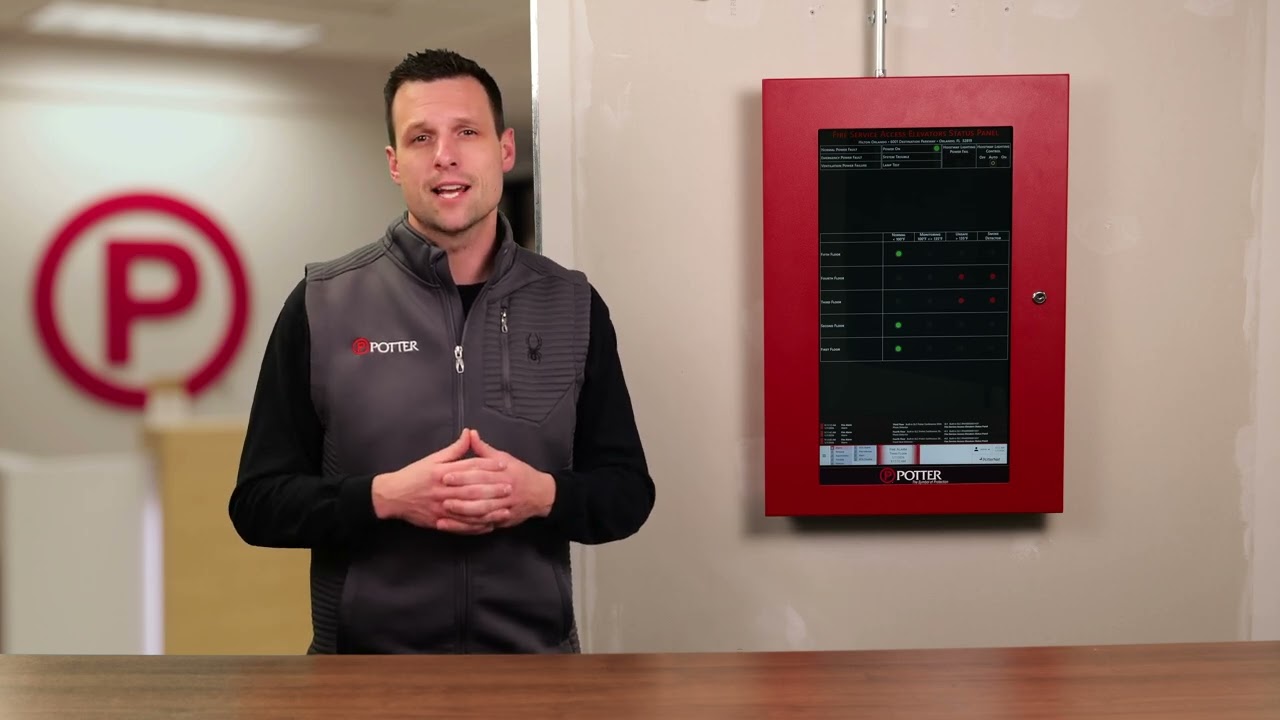
Studio capture
Shot on the green screen set.
- Interviews
- Product overviews
- Executive addresses
- Support for training teams filming their own pieces
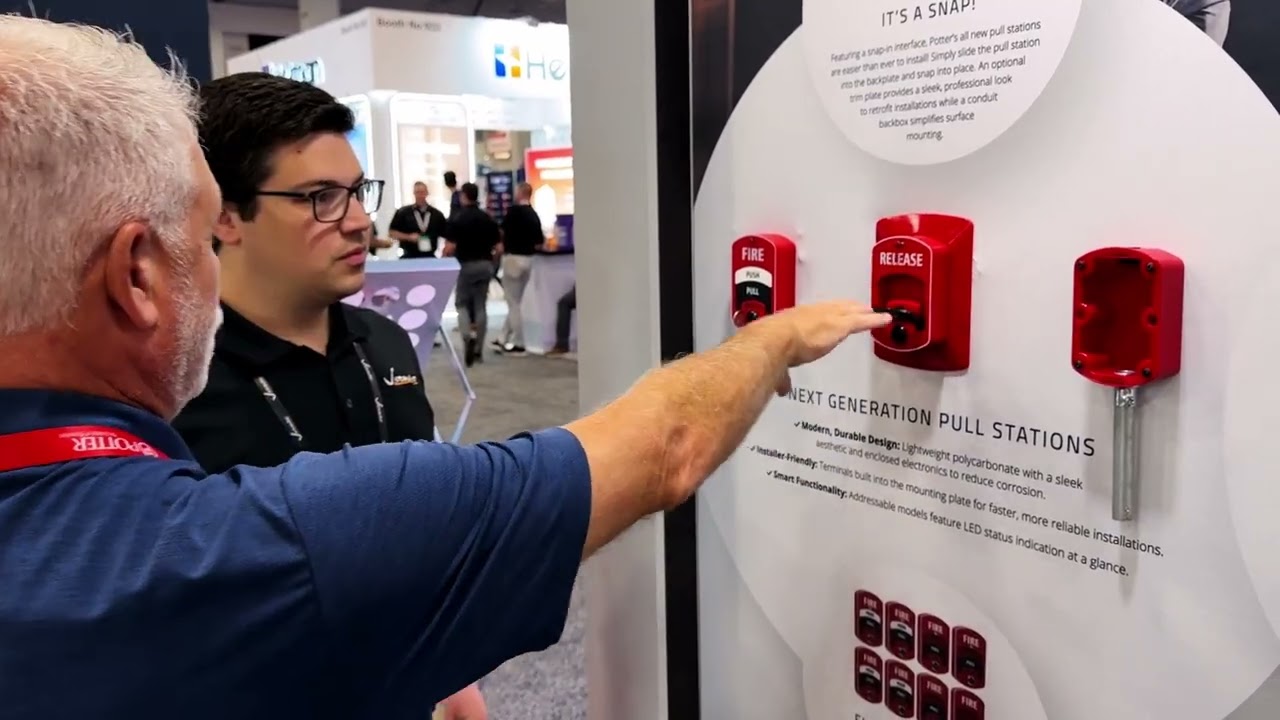
Mobile capture
Shot on location, with a kit that travels.
- Customer interviews
- Video case studies
- Trade show footage
- Event footage
- Quick capture of moments that won’t happen twice
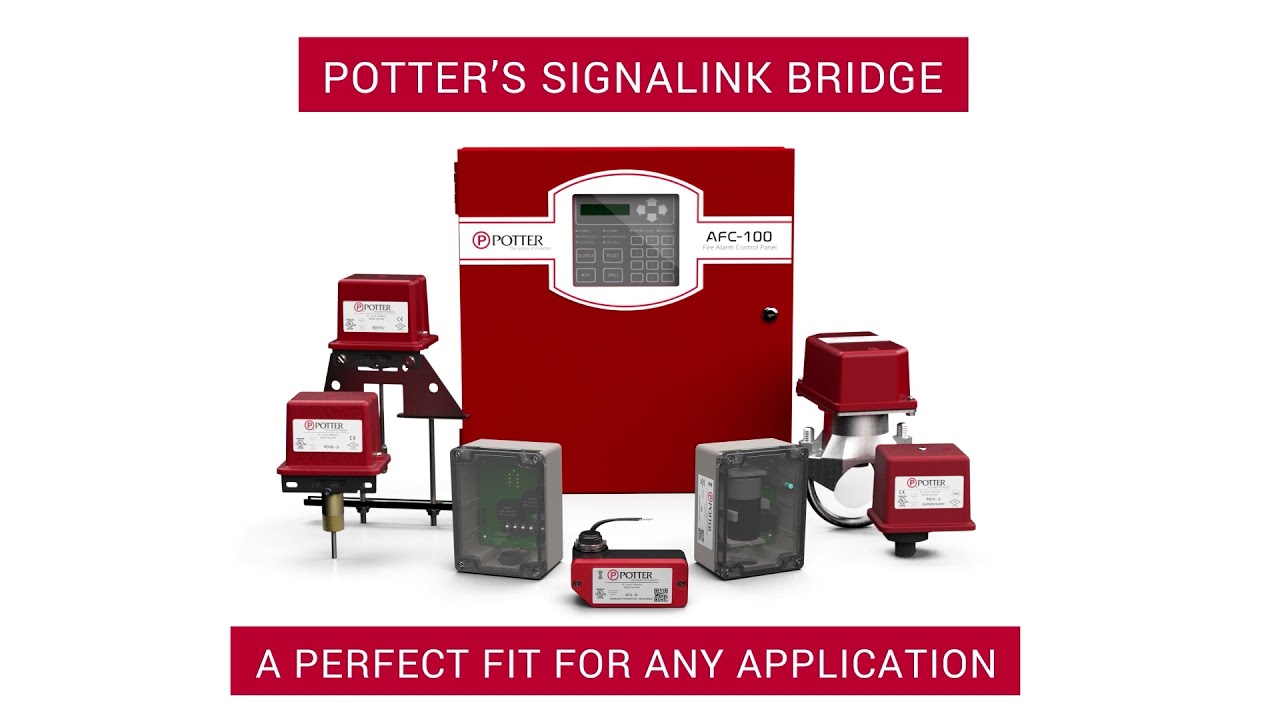
Motion and animation
Designed and animated, for what a camera can’t show.
- Social features
- Product explainers
- Motion diagrams
The video set
I built the set myself: a 20-by-9-foot chroma wall with lighting, camera, teleprompter, and audio, and an edit station a few steps away.
I also designed the workflow around it. The camera feeds the edit station live, and the green screen is replaced in real time, so everyone sees the finished shot while it is being filmed and far less is left to fix in the edit. The same pipeline carries a video from the edit through to publishing.
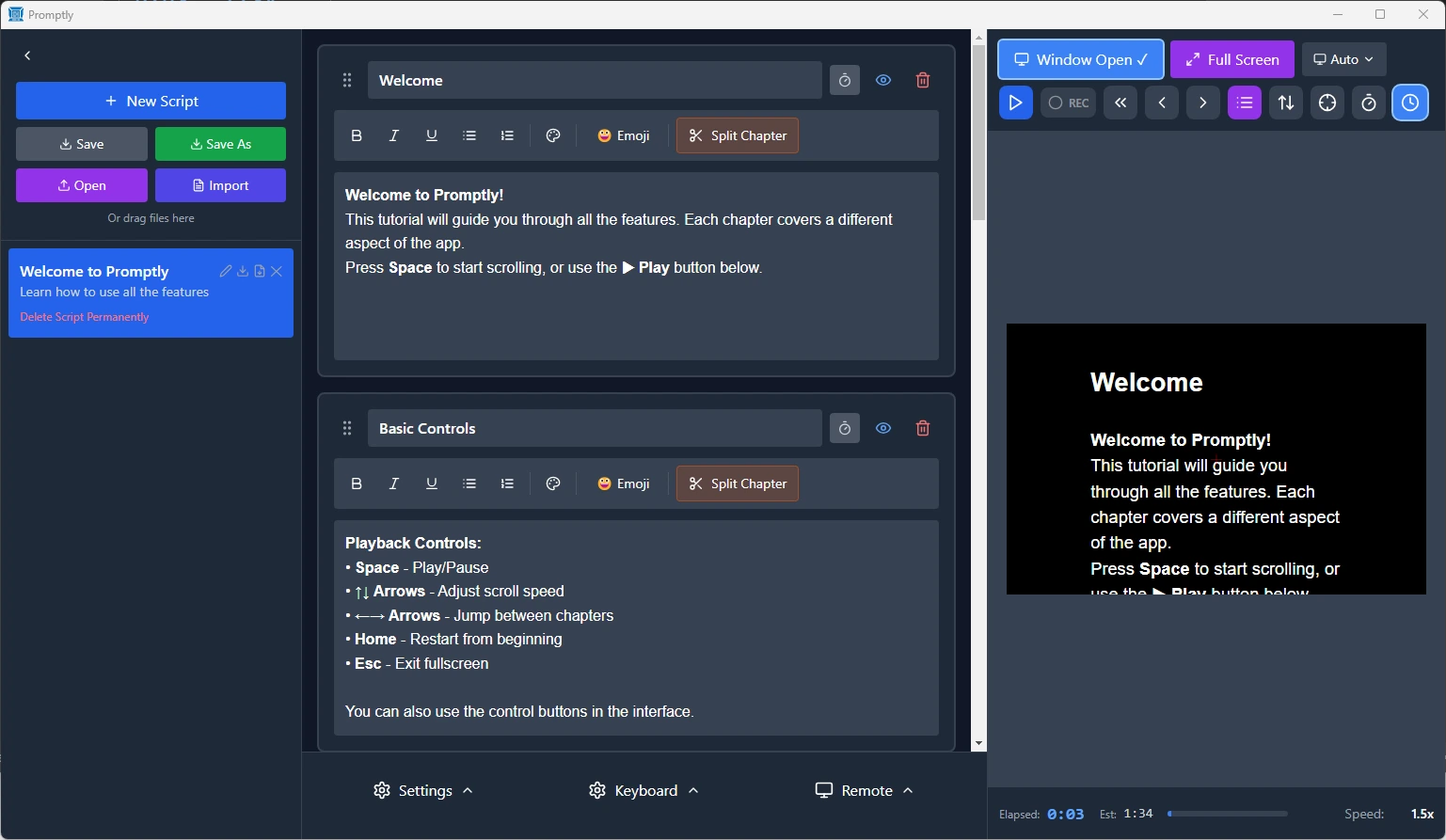
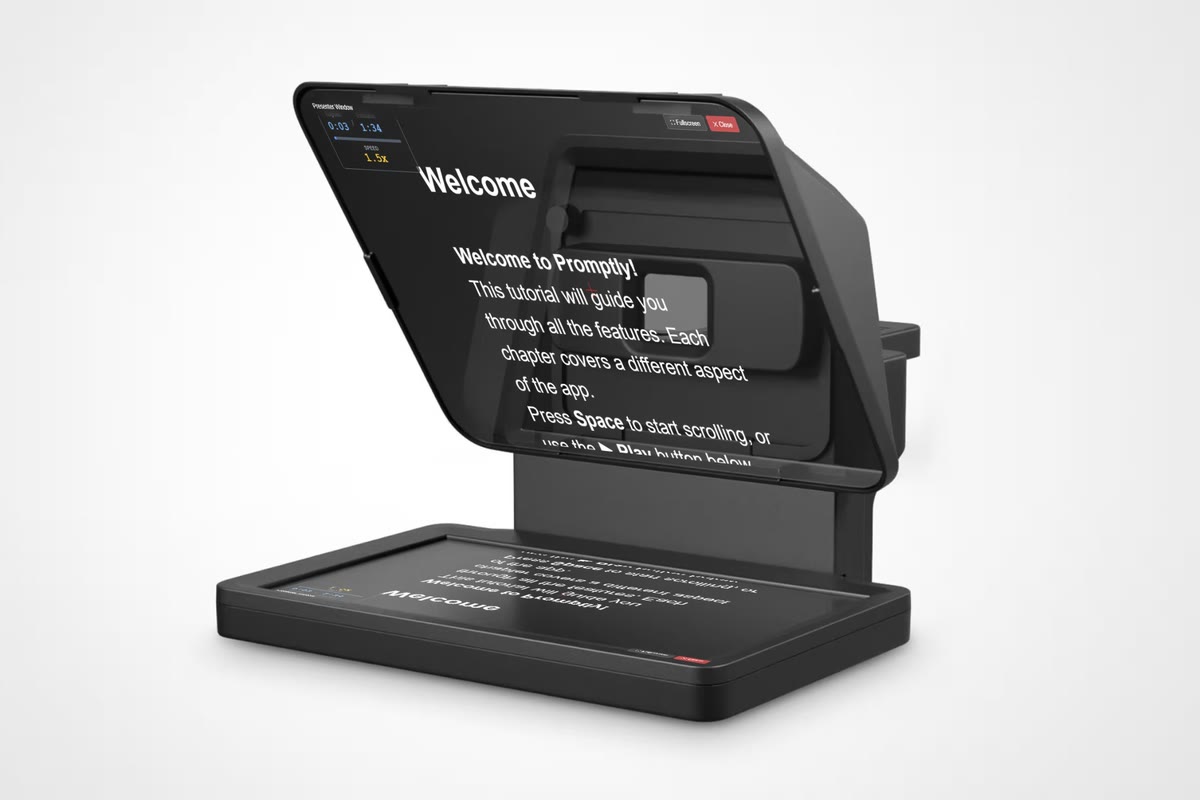
Custom teleprompter software
The teleprompter software on the market was expensive or missing what we needed, so I developed my own: a desktop app with separate operator and presenter windows, scripts split into chapters that each keep their own scroll speed, mirroring for teleprompter glass, and a phone remote that connects by scanning a QR code, so whoever is presenting can run it themselves. It was built specifically to tap into our production workflow and the software we already use, so everything works together seamlessly.
The Results
- Dozens of videos a yearall produced in-house
- Research to publish, in one teamno agency, no hand-offs, no waiting
- The company’s voice on videothrough two ownership changes
