
Orchestrate, don’t generate: a LinkedIn banner built by directing AI
- What
- A LinkedIn banner, built as a real 3D scene in Blender
- Status
- Finished, after two days and 40 renders
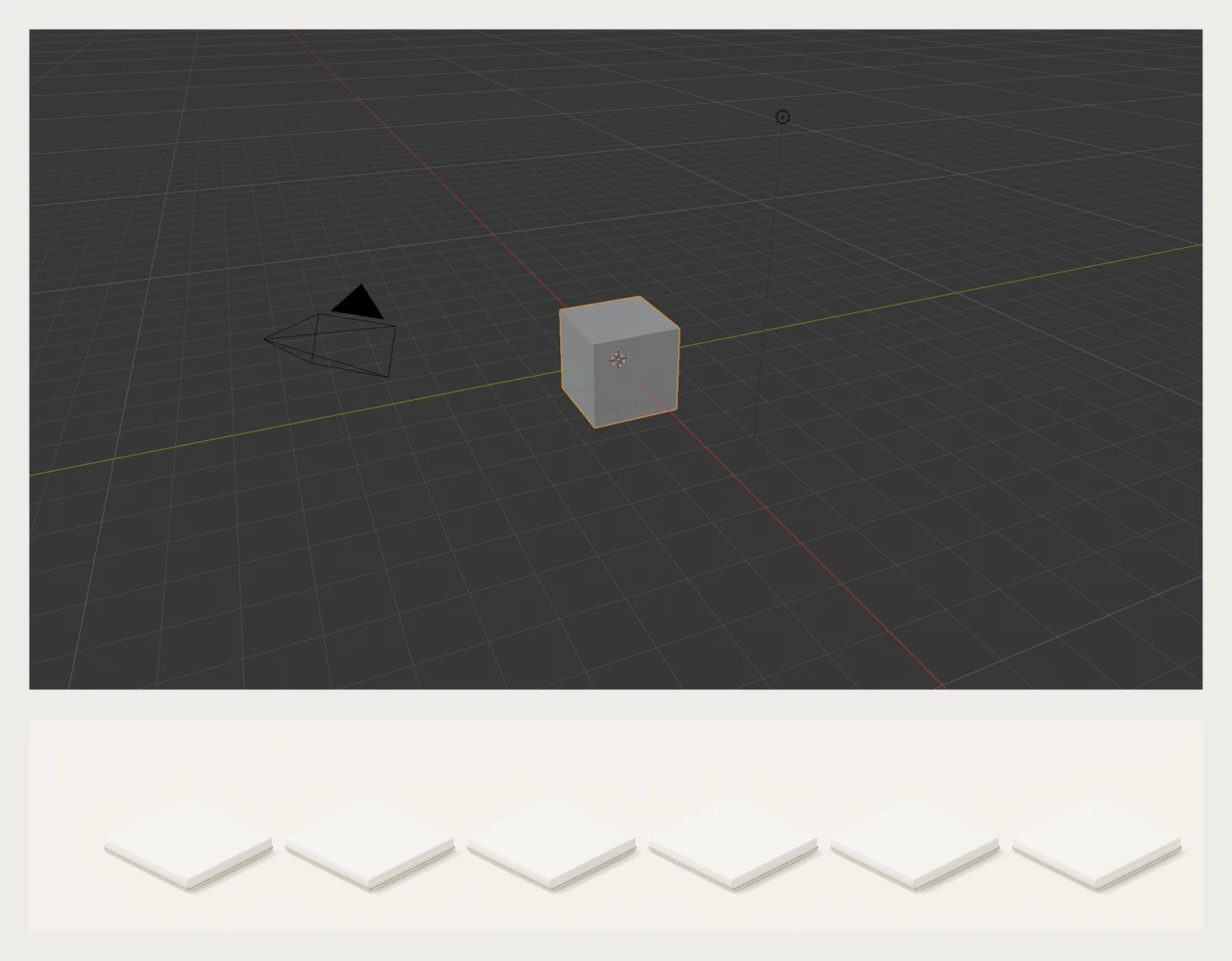
I needed a new LinkedIn banner. Typing a prompt into an image generator would have been the fast way, but it returns a flat picture: ask for one change and everything changes.
So I used AI as an orchestrator instead of a generator. Blender, the free 3D software, has an official MCP server, an open standard that lets an AI assistant operate other software. I gave direction in plain language, and the AI built the scene inside Blender: the shapes, the materials, the lighting, the camera, and the final renders.
Everything stayed a real object. When I wanted one element changed, only that element changed.
The brief came first
- The messageShow the range of my work across several specialties, in one glance.
- The formatA 1584 by 396 pixel banner, built at twice that size to stay sharp.
- The constraintsThe profile photo covers the lower left, and the banner crops differently on a phone.
- The conceptSix skills as 3D icons on white tiles, in one palette, joined by a line that stands for connecting the pieces.
Directed like a designer
The AI produced a quick first pass of each tile, and I reviewed each one the way I would review a designer’s work: specific notes, one change at a time. Nothing landed on the first try. The launch icon took three versions to read clearly, the events booth took several rounds to get its depth, the project management tile was rebuilt until it was legible at banner size, and the AI tile took about six.
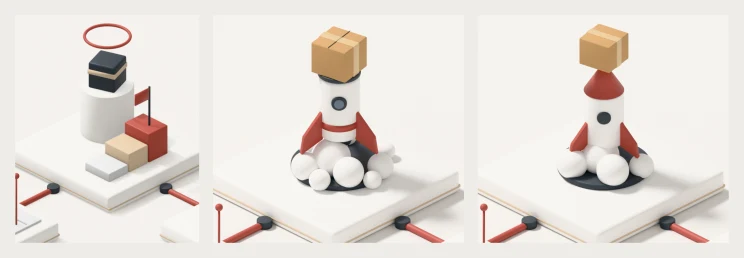
I also checked every version at its real size, with a stand-in for my profile photo. That is where the small decisions came from: lowering elements a few pixels to balance the weight of their shadows, tightening the headline, moving the text clear of the photo, and reordering the tiles to give the headline more room.
In all, it took 40 rendered versions over two days, each one a specific change I had asked for.
The same brief, given to an image generator
As a comparison, I gave the same brief to an image generator as one detailed prompt. The result looked polished at a glance but came apart on inspection: elements overlapping in ways that could not exist, small details smeared, tiles that did not match one another, and a profile picture placed on the banner itself.
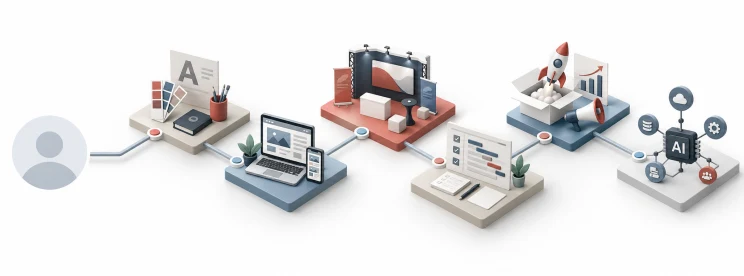
Most important, nothing in it could be edited. It is a single flat image. The Blender version is a source file: I can re-export it at any size, change one element without touching the rest, or turn it into an animation.
Why it matters
It worked the way I have run creative teams for most of my career: set the vision, write the brief, review honestly, and make the call. The tools changed, but the job did not.
The full process, with the steps to set it up yourself, is in my article on LinkedIn.